Scroll Animations and Interactive Web Design: When Motion Earns Its Place
Not all animations are created equal. Done right, scroll-triggered motion and interactive design elements increase engagement, communicate brand quality, and guide visitors toward conversion. Done badly, they slow everything down and annoy everyone. Here is how to tell the difference.
Motion Design Is Not Decoration
There is a widespread misunderstanding about what scroll animations and interactive design elements actually do. Most business owners think of them as decoration -- something added at the end of a project to make the site look impressive. Agency designers sometimes treat them the same way: an afterthought, applied liberally when the budget stretches.
That is the wrong frame entirely.
Motion communicates. A well-timed entrance animation tells the visitor where to look. A scroll-triggered reveal controls the pace of information delivery. A hover state confirms that an element is interactive. These are functional design decisions with measurable effects on engagement, comprehension, and conversion.
The question is never "should we add animation?" The question is "what does this animation do for the visitor?"
The Two Types of Animation on the Web
It helps to be clear about what we are discussing, because web animation covers a wide spectrum.
CSS transitions and micro-interactions are the lightweight end: button hover states that change colour, links that underline smoothly, form fields that highlight on focus. These are small, fast, and almost always appropriate. They communicate interactivity and give the interface a polished feel without adding meaningful load time or cognitive complexity.
Scroll-triggered and JavaScript-powered animation is a different category. This includes elements that animate as they enter the viewport, content that reveals progressively as you scroll, parallax effects, and fully orchestrated page transitions. Done well, these create experiences that communicate visual ambition and hold attention. Done poorly, they produce janky, laggy experiences that frustrate visitors and tank page speed scores.
The quality gap between mediocre and excellent in this second category is enormous. And the gap is almost entirely determined by the technology used to build it.
Why GSAP Changes What Is Possible
GSAP (the GreenSock Animation Platform) is the professional standard for high-quality web animation. It is what separates interactive websites that feel smooth and intentional from ones that feel like a CSS tutorial project.
The reasons GSAP is the professional choice:
Performance. GSAP is optimised to run at 60fps even on mid-range hardware. It uses the GPU for transforms and opacity changes and avoids layout thrashing -- the main culprit behind janky CSS animations.
Precision. GSAP gives designers and developers exact control over every property of every animation at every moment. Easing curves, delays, sequencing, and triggers can be tuned in ways CSS simply cannot match.
ScrollTrigger. GSAP's ScrollTrigger plugin handles scroll-linked animation with a level of reliability and flexibility that browser-native scroll observers do not approach. Elements pin, animate, scrub, and batch exactly as designed, across all modern browsers.
Accessibility. GSAP respects prefers-reduced-motion settings, making it straightforward to provide a non-animated experience for users who need it without building a separate version.
The difference between a site built with tasteful GSAP animation and one using generic CSS keyframes is immediately visible to any user who has spent time on premium digital products. It signals craft, investment, and technical capability.

Performance Is Non-Negotiable
The most common failure mode for interactive websites is the same every time: the animation looks beautiful in the designer's presentation and then loads like treacle in production.
This happens when motion is added to sites that were not architected to support it. Animation loads are additive. If a site already has bloated JavaScript bundles, unoptimised images, and third-party scripts competing for thread time, adding animation on top creates a slow, fragmented experience.
The solution is building performance into the architecture from the start, not trying to retrofit it afterward.
Next.js handles this well because performance is built into the framework rather than bolted on. Code splitting means only the JavaScript needed for the current page loads. Image optimisation is automatic. Server-side rendering delivers the initial HTML fast, so the browser has content to display while animation scripts load in the background.
The result is sites that score above 90 on Google PageSpeed Insights while still delivering smooth, complex animation. That combination is genuinely rare and it is only achievable when the framework is chosen correctly from the start.
What Interactive Design Does for Conversion
Investing in scroll animation and interactive design elements is only worthwhile if it contributes to outcomes. Here is where the impact is real:
Attention and dwell time. Animated sites keep visitors engaged for longer. On pages where the core message takes time to communicate -- a complex service offering, a multi-stage product explanation, a case study narrative -- scroll-triggered reveals keep the visitor moving through content they might otherwise skip.
Brand perception. The quality of a website's interaction design affects how visitors assess the quality of the underlying business. A polished, responsive, thoughtfully animated site communicates investment and credibility in a way that a static template cannot.
Information hierarchy. When elements animate in sequence, the designer controls what the visitor sees first, second, and third. This is not possible on a static page where everything is visible simultaneously. Animation gives you narrative control over the visitor's experience.
Portfolio and agency sites. For businesses where the work itself is the proof -- design studios, creative agencies, photographers, videographers -- an interactive site is not optional. It is the first demonstration of capability. A flat, static presentation would be actively damaging.
When Interactive Design Is Worth the Investment
Interactive design and scroll animation are not appropriate for every project. The investment is justified when:
Visual quality is a direct business signal. Premium consumer brands, funded startups seeking investor attention, and professional services firms where credibility is the product all benefit from the elevated perception that interactive design creates.
The content is complex. Products with multiple features, services with nuanced positioning, and case studies with multi-stage narratives all benefit from animation that guides the visitor through information at a controlled pace.
The site needs to stand out in a competitive market. If your competitors all have flat, template-based sites, a polished interactive experience is a direct competitive advantage. Visitors notice the contrast.
You have a high-value conversion goal. If a single closed enquiry or sale is worth thousands of pounds, investing in a site that converts at even a fractionally higher rate pays back quickly.
It is probably not worth the investment for highly functional transactional sites, early-stage businesses still validating their offer, or services where trust is built primarily in person rather than online.
What TsvWeb Builds
Every TsvWeb project is built on Next.js with GSAP where the brief calls for it. Our approach is deliberate: motion is added where it serves the visitor and the conversion goal, not to demonstrate that we can do it.
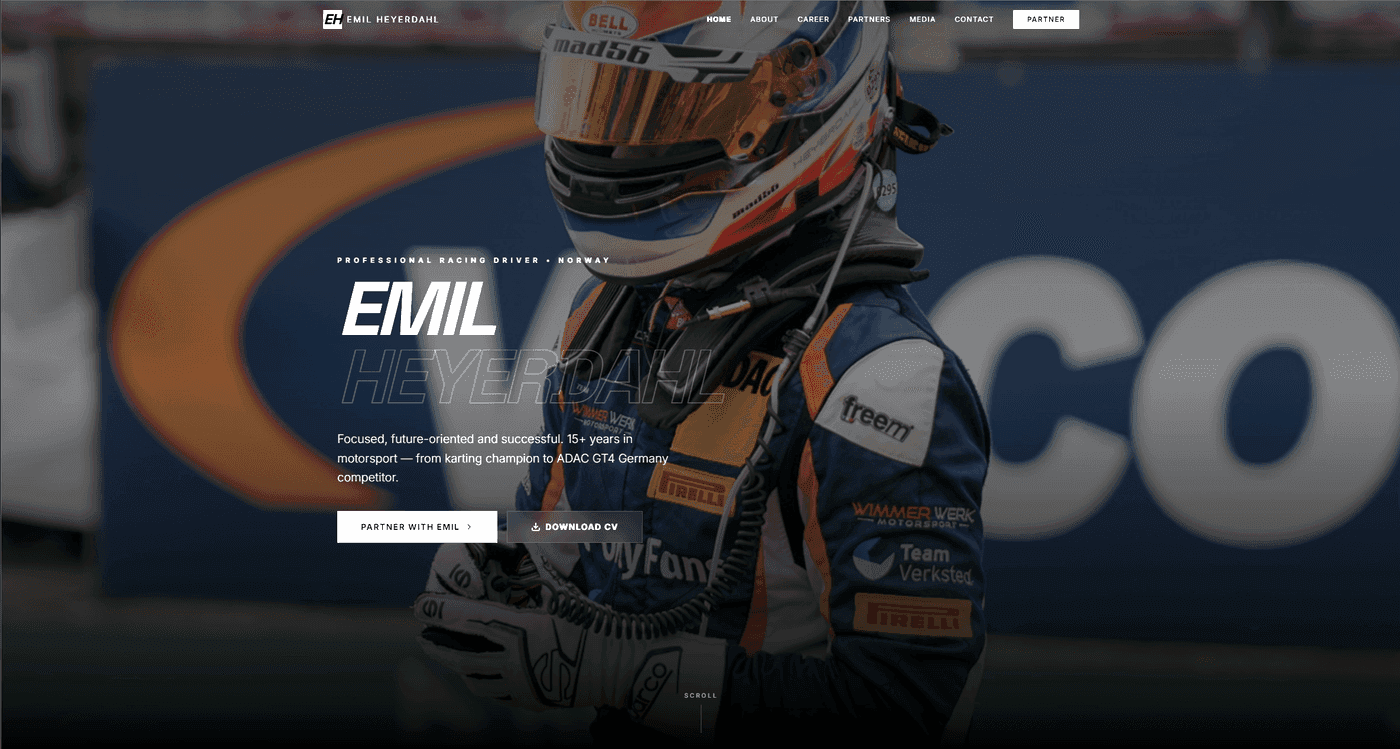
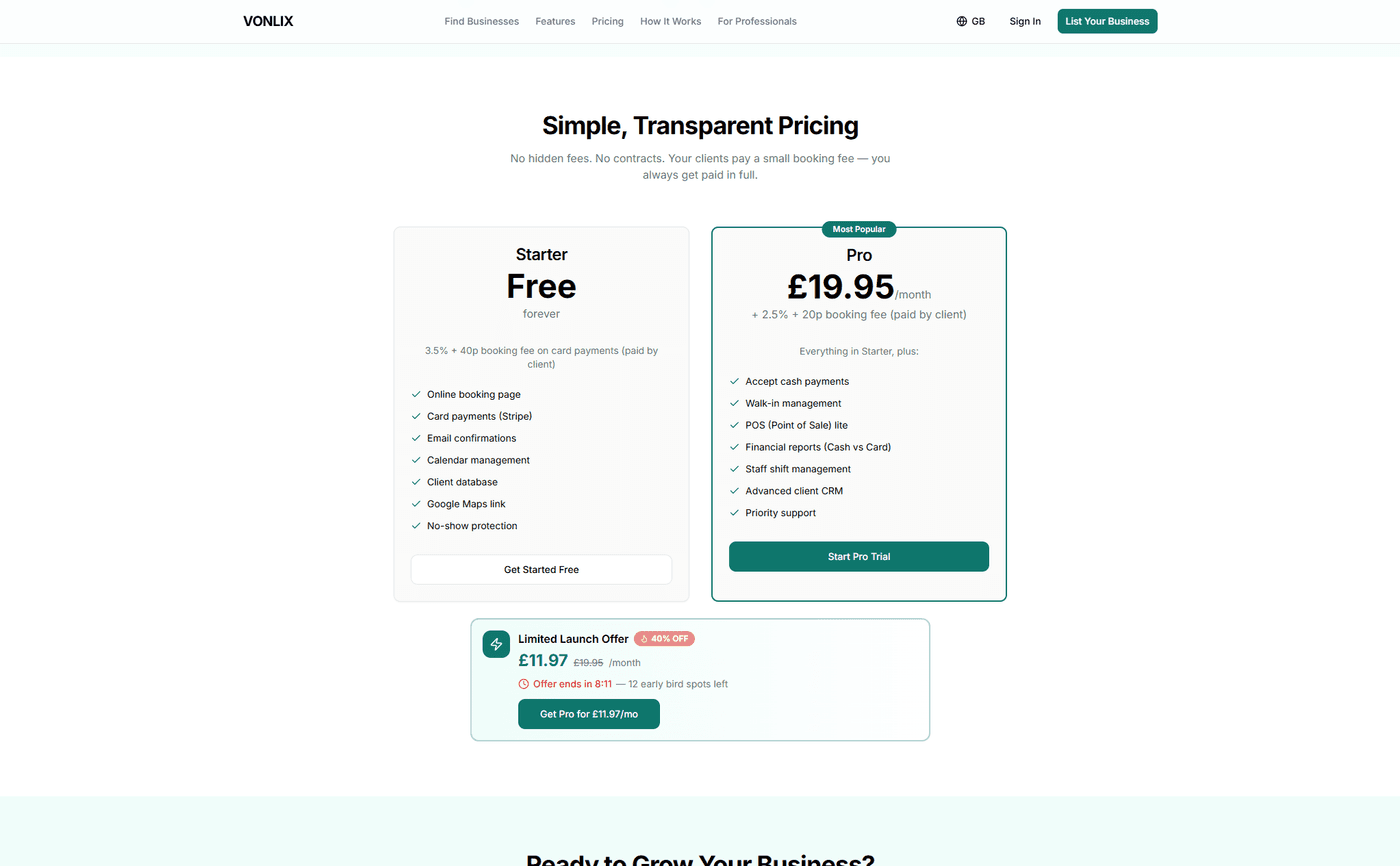
For the Emil Heyerdahl personal brand site, scroll-triggered animations communicate the narrative of a motorsport career: fast, precise, and high-stakes. For Vonlix, subtle entrance animations and hover states reinforce the SaaS product's focus on clarity and professionalism. For TheRevisionHub, interactive UI elements reflect the platform's core promise of a streamlined user experience.
In each case, the animation serves the brief rather than decorating it.
If you want a website that uses motion design with intention -- one that looks exceptional and still loads fast -- talk to TsvWeb. We build interactive websites that perform on both PageSpeed Insights and in front of real buyers.